Best AI Video Editing Tools in 2026 That Save Hours of Work
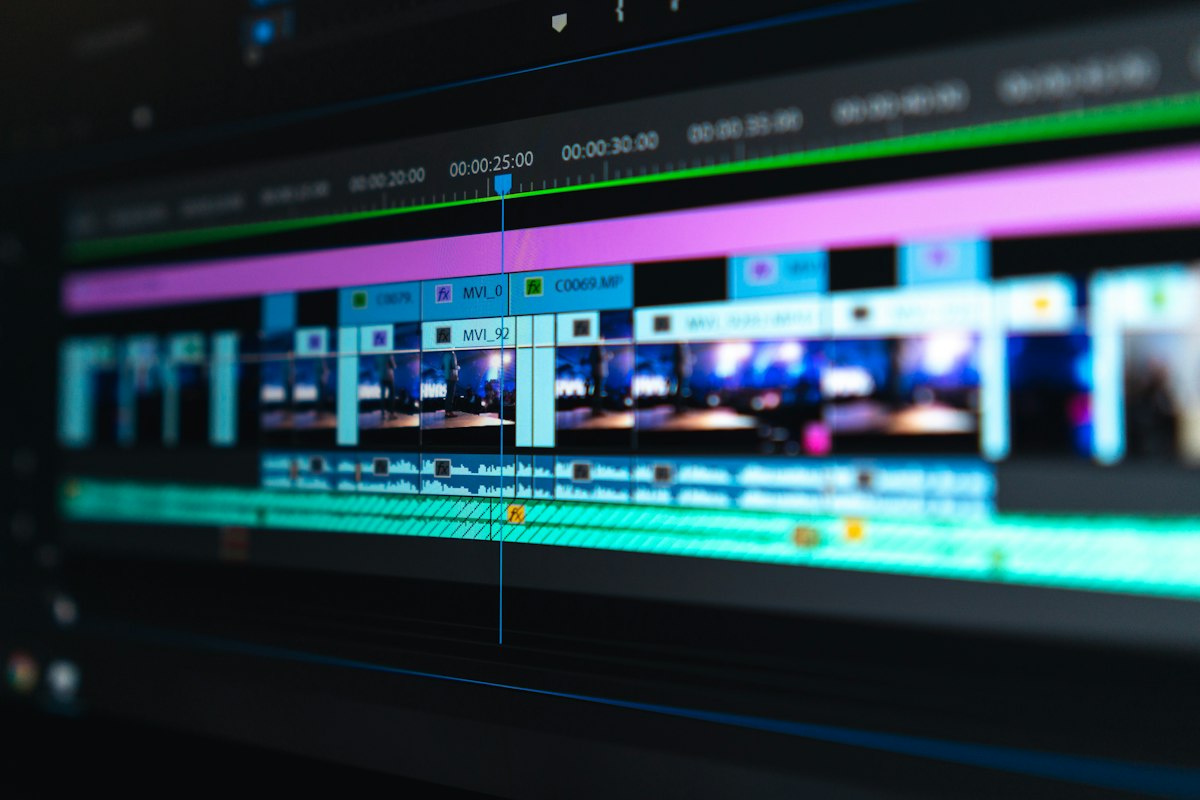
Video editing used to require either expensive software expertise or expensive editors. Neither is true anymore. AI video tools have gotten good enough that a creator with zero editing background can produce a polished video in under an hour. Here's what's actually worth using.
Descript The Tool That Changed Talking-Head Editing
Descript lets you edit video by editing a transcript. Delete a sentence from the text document and the corresponding video clip is removed automatically. For interview footage, course content, or any talking-head video, this is the most intuitive editing workflow available.
The filler word removal feature one click to delete every "um," "uh," and long pause alone saves 20–30 minutes on a typical 10-minute video. Descript also generates captions automatically, which are accurate enough to require only minor corrections.
Pricing: free plan with limited exports, paid from $24/month. For anyone creating regular video content, this is the easiest upgrade to justify.
CapCut Best Free Option for Short-Form

CapCut is free and genuinely good for Reels, TikToks, and YouTube Shorts. The AI features include auto-captions, background removal, voice enhancement, and a script-to-video tool that generates a rough cut from text. The mobile app is more capable than most desktop editors charged as a subscription.
The limitation: it's optimized for short-form. Editing a 30-minute tutorial in CapCut is possible but not pleasant.
Runway ML For Visual Effects Without a VFX Budget
Runway's Gen-2 and Gen-3 models can generate video clips from text prompts or extend existing footage. For creators who need B-roll visuals, abstract backgrounds, or stylized clips they can't film themselves, Runway fills a real gap.
It's not cheap ($15/month and up) and the outputs still have an AI look that experienced viewers notice. But for supplemental footage rather than primary content, it works.
Adobe Premiere Pro with AI Features For Serious Editors
Adobe has added significant AI features to Premiere Pro: auto-reframe (automatically resizes content for different aspect ratios), text-based editing (similar to Descript), and scene detection. If you're already in the Adobe ecosystem, these features add real value to a tool you're already paying for.
Which to Start With
Start with CapCut for free. If you do primarily talking-head content and want to get serious, add Descript. Runway is a specialist tool for specific use cases, not an everyday editor. Premiere is for people who already know they need professional-grade software.