How to Design Professional Graphics With AI Tools (No Design Skills Needed)
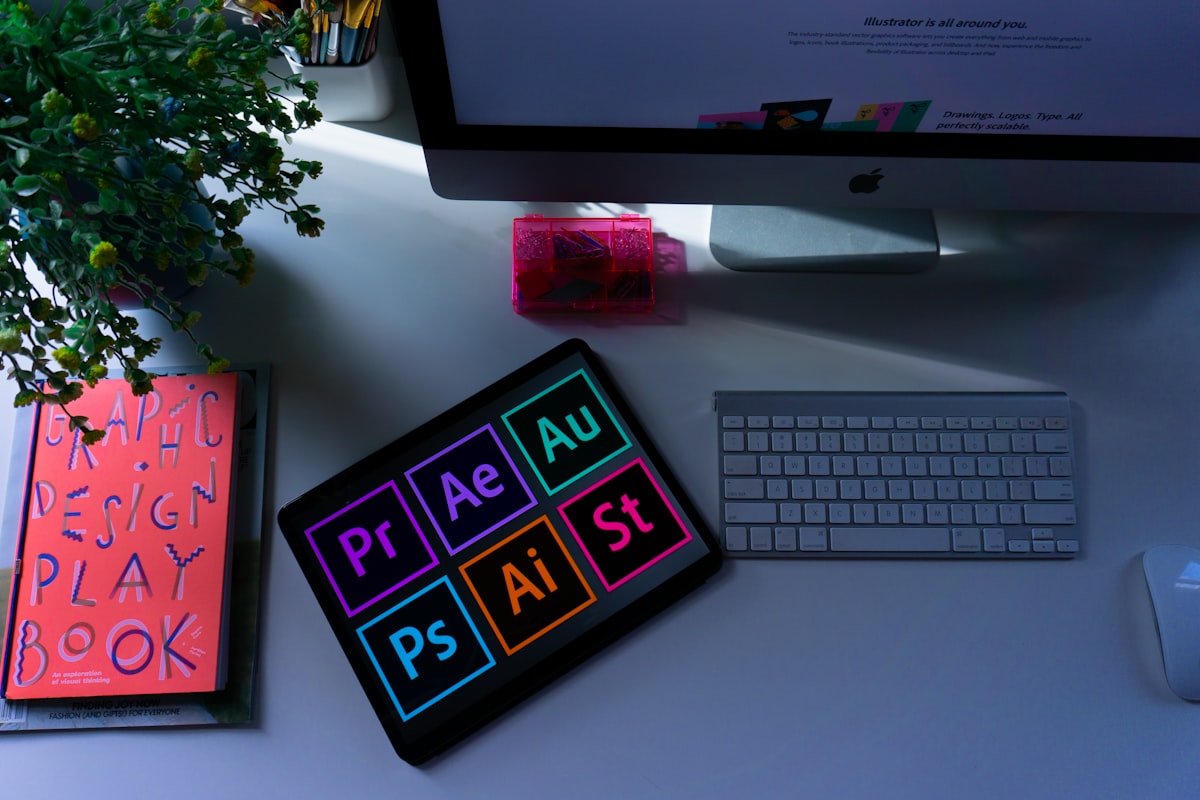
Five years ago, creating professional-looking graphics meant either learning Photoshop or hiring a designer. Now there are AI tools that produce high-quality results from text prompts and templates, with no design background required. Here's the current toolkit.
Canva Still the Best All-Around Tool
Canva has templates for practically every use case: blog headers, social media posts, presentations, ebook covers, YouTube thumbnails, infographics. The free plan covers most needs. The AI features background removal, Magic Media image generation, Magic Write for text are available on the free plan with monthly credit limits.
For bloggers and content creators, Canva is the first tool to learn because it handles 80% of design needs in a single interface. The templates are good enough to produce professional results without customization, and better with even minor personalization.
Adobe Express For Adobe Users on a Budget

Adobe Express is the simplified version of Adobe's professional tools, with AI features baked in. If you're already on Creative Cloud, you have access at no extra cost. The AI Generative Fill feature is better than Canva's for photo editing tasks removing objects, extending backgrounds, replacing elements.
If you're not already in Adobe's ecosystem, Canva is probably the better starting point for most use cases.
Looka and Brandmark For Logo Creation
Both tools generate logos from a brand name, industry, and style preferences. Looka produces more polished results; Brandmark is cheaper. Neither produces logos as unique as a human designer would, but both are fine for a blog or personal brand that needs a consistent visual identity without spending $500 on a designer.
Infogram and Flourish For Data Visualization
If you write data-heavy content and need to display statistics visually, Infogram and Flourish both produce interactive charts and infographics. Both have free tiers. The AI features are modest mostly smart chart suggestions but the templates are clean and the outputs are genuinely shareable and embeddable.
The Learning Curve That Actually Exists
There's no design background required for these tools, but there is a learning curve for understanding what makes a design work: contrast, hierarchy, whitespace, and color. Spending an hour watching basic design principle videos (YouTube has plenty of free ones) will make every template you use 50% better. The tools handle execution; you still provide judgment.